Employee Work Tracking Software
“Who is working on what right now? What happened to that order? Why has this task been sitting for three days?” — if you ask these questions in chats ten times a day, control over your team’s work rests on your memory. You cannot be everywhere at once, and by month-end there is no way to reconstruct who did what and where the working hours went.
ERPJS is employee work tracking software built on transparent record-keeping. Tasks with owners and deadlines, work sheets with time tracking, a history behind every document, role-based access. Not surveillance — a system where work is visible by itself. Runs online; the free plan has no time limit.
What tracking through records gives you
Tasks with owners
Every task has an assignee, a deadline and a status. Overdue items surface immediately — no need to ask 'what happened to this?' in a chat.
Working time records
Work sheets and timesheets show how much time went into an order, a project or internal tasks — per employee.
History: who did what
Every document has an author and a date. Who received the goods, who issued the invoice, who edited the customer card — always visible.
Tracking is not surveillance
Let’s be upfront: ERPJS does not take screenshots, count mouse clicks or read employee messages. That kind of “control” poisons the atmosphere and says nothing about results.
The ERPJS approach is different: all work lives in the system — tasks, orders, documents, time. Control becomes a side effect of order: the manager sees the picture without chasing people for Friday reports, and employees work calmly because the rules are transparent and the same for everyone.
Tasks that don’t get lost in chats
In the ERPJS CRM module every activity — a call, a meeting, a task — is recorded with an owner, a deadline and an outcome:
- You define task types yourself — around your processes, not a hardcoded list.
- Action chains: the outcome of one task automatically creates the next. “Called — agreed on a meeting” → the meeting is already in the owner’s calendar.
- Assignee groups — a task goes to a department instead of getting lost between people.
- Overdue tasks are visible in lists immediately — no customer request hangs unnoticed.
Where the working hours go
For service companies ERPJS offers work sheets: each order records the assignee, standard hours and actual time spent. You immediately see who is overloaded, who is idle, and what an hour of a technician’s work really costs.
For project teams — timesheets with time classes: billable client work or internal tasks. At month-end you get a completed-work report per employee and an honest project margin: hours sold versus hours spent.
Tracking in ERPJS is transparency built into record-keeping: tasks with owners, time in work sheets and timesheets, an author behind every document. The manager sees the picture in real time — without “who did what” meetings and hour-long status reports.
Who changed what in the system
- Document authorship — every receipt, invoice and write-off has an author and a creation date.
- Change history — customer cards show who made changes and when.
- Role-based access — a salesperson sees their customers, a warehouse keeper their stock, an accountant the finances. Everyone works in their own zone, and breaking someone else’s data by accident is impossible.
This removes the classic “it wasn’t me” conflict: the system’s history answers the questions instead of people.
Who is it for?
A good fit: service centres and workshops (work sheets, standard hours, technician workload), sales teams (customer tasks, activity funnel), project teams and agencies (timesheets, project margin), retail and warehouses (document authorship, zones of responsibility).
Not a fit: anyone looking for covert monitoring — screenshots, message interception, presence tracking. ERPJS does not do this as a matter of principle.
How to start — 3 steps
- Sign up — one minute on the registration page.
- Add your team — users with roles and permissions matching your structure.
- Start with tasks — create the first customer activities, and within a week you will see the real workload picture of your team.
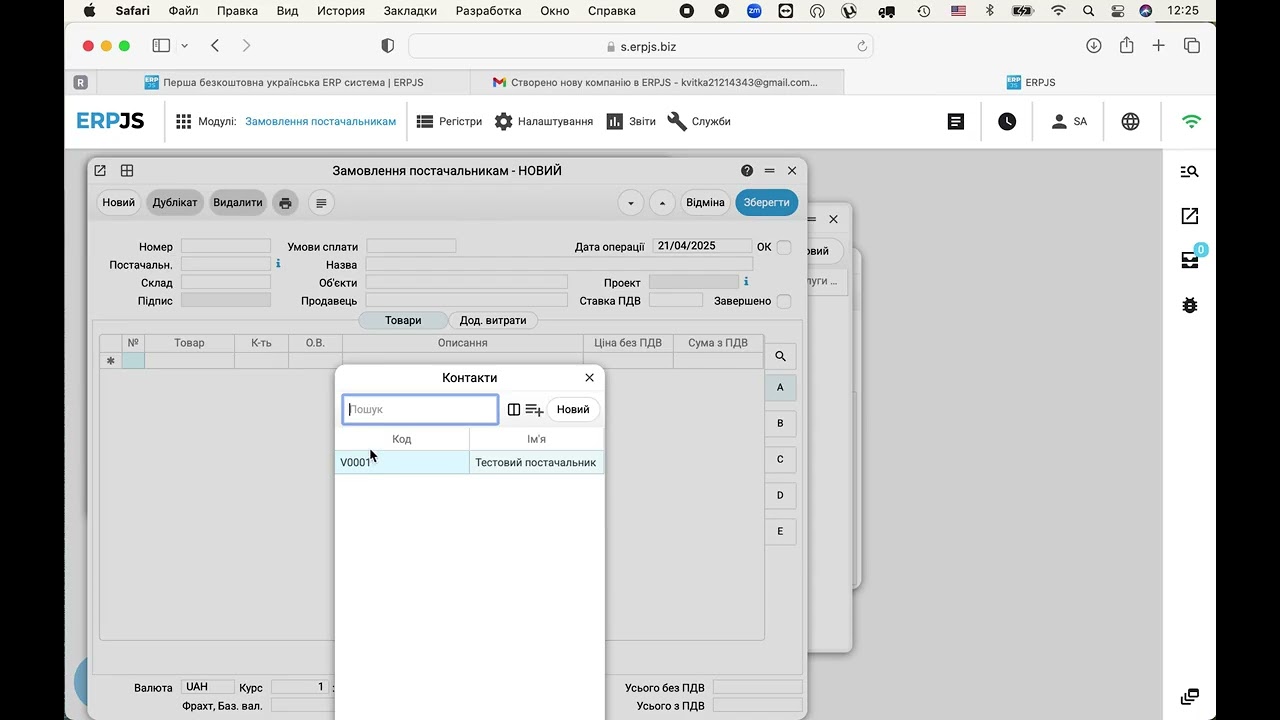
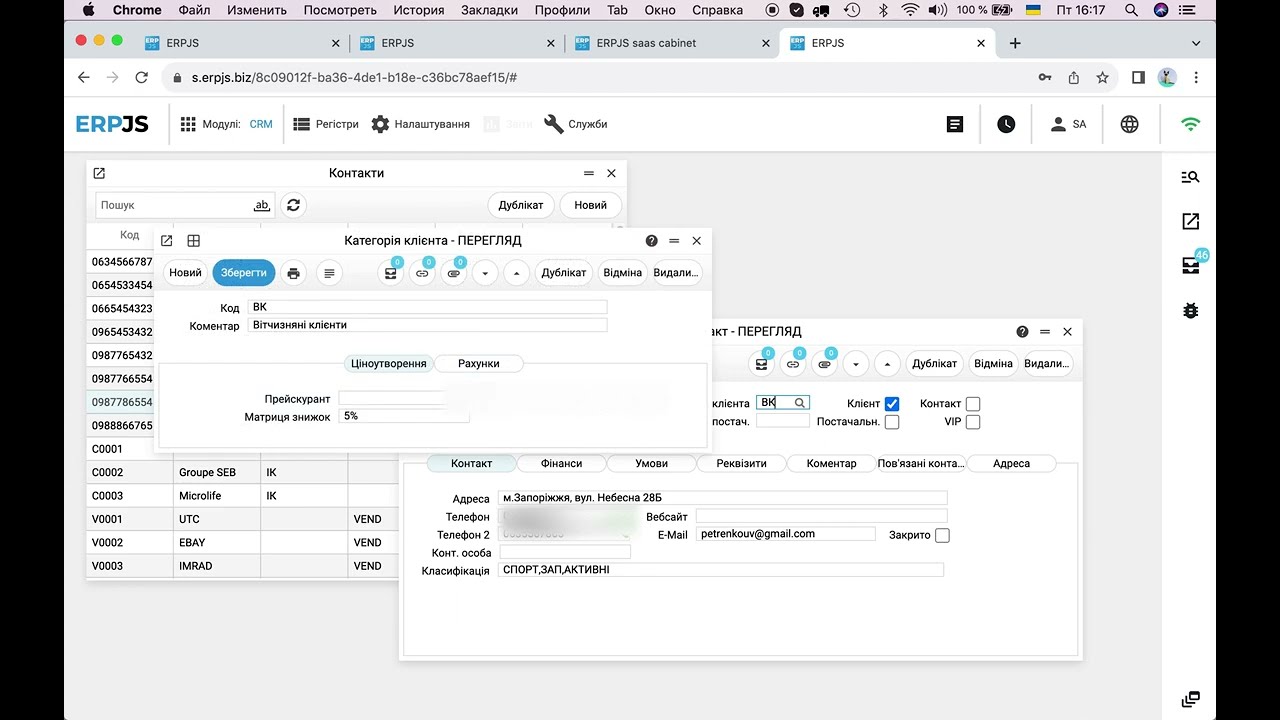
See it in action
FAQ
Is this employee surveillance software?
No. ERPJS takes no screenshots, tracks no computer activity and reads no messages. Tracking is built on work records: tasks, work sheets, timesheets, document authorship. You see results and process — without invading personal space.
What kinds of tasks can I assign?
Any: calls, meetings, deliveries, repairs, internal errands. Task types are configured around your processes; every task has an owner, a deadline and an outcome. Chains can be set up so that one task’s outcome creates the next automatically.
Can I see each employee’s workload?
Yes. For tasks — activity lists with deadlines per assignee. In service — work sheets with standard and actual hours. In projects — timesheets. The completed-work report assembles the per-person picture for any period.
How do I restrict what employees can access?
With roles: each user gets rights to their own modules and documents. A salesperson does not see finances; a warehouse keeper cannot edit invoices. Every change is recorded in the history.
Does it work for sales teams?
Yes — customer tasks, contact history, an activity funnel. You see how many calls and meetings each manager made and what came out of them: a deal, a next step or a refusal.
Is it free?
Yes, the free plan works with no time limit. Tasks, work sheets, timesheets and document history are part of the system’s core functionality.
Blog articles
- How to run a stock count: step by step, with the traps
- A working day in an accounting system: what you actually have to do
- A customer order: from the phone call to the shipment
- Free accounting software: what is actually free, and what you end up paying for
- An invoice for a client — in one sentence, without opening the app
- How a Store Owner Connected His Site to His Accounting System Without a Single Developer
- Sales Price: Calculate It From Cost, Don't Guess
- Fiscal Receipts Without a Separate Cash Register